25 Ways to Use a Spinner Wheel in the Classroom
A spinner wheel is one of the most useful free tools in a classroom: it makes picking students visibly fair, adds a moment of suspense, and turns routine tasks into games. Here are 25 ways to use one, grouped by purpose.
Key facts
- Use elimination mode for cold-calling so every student answers once before anyone repeats.
- Full screen mode makes the wheel easy to see on a projector.
- Saved wheels keep each class list ready for next lesson.
- Nothing you type is stored on our servers, so student names stay on your device.
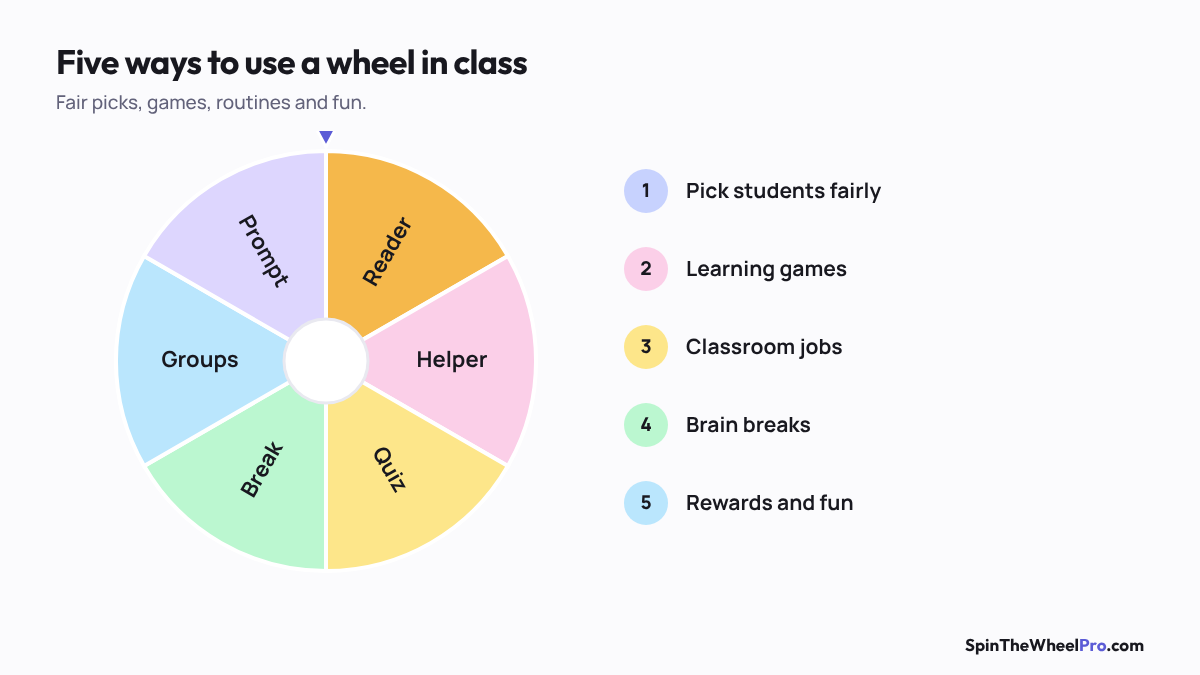
Picking students fairly
1. Cold-calling: spin for who answers next, with elimination mode on.
2. Choosing helpers: line leader, door holder, board cleaner. See the classroom jobs wheel.
3. Presentation order: spin once per slot and copy the results list.
4. Groups: use the team picker for random groups in one click.
5. Reading turns: spin for the next reader at each paragraph.
Learning games
6. Times tables practice with the times tables wheel.
7. Spelling words: spin a word, the class spells it together. For a twist, scramble the letters and let students race to unscramble them, then check with a word unscrambler.
8. Letter of the day for phonics.
9. Vocabulary: spin a word and use it in a sentence.
10. Maths operations: spin +, −, × or ÷ and two numbers.
11. History: spin a person or event to research.
12. Geography: spin a country or US state and find it on the map.
13. Debate topics, with a second spin to choose sides.
14. Writing prompts for quick-write sessions.
15. Review questions: put question numbers on the wheel.
Classroom management
16. Brain breaks when attention drops.
17. Reward choices: extra recess, music while working, sitting with a friend.
18. Homework pass winners on Friday.
19. Seating plans: spin for each table.
20. Tidy-up jobs at the end of the day.
Fun and community
21. Icebreaker questions on the first day.
22. Would you rather questions at morning meeting.
23. Class quiz team names.
24. Birthday or celebration games.
25. End-of-term awards, revealed with confetti.
Tips from experience
- Save a wheel for each class with Save, so the right list is one tap away.
- Use Full screen on the projector so the whole class sees the spin.
- Turn the spin time to Drama (12 seconds) for big reveals.
Sources
- Product features as described on how it works.